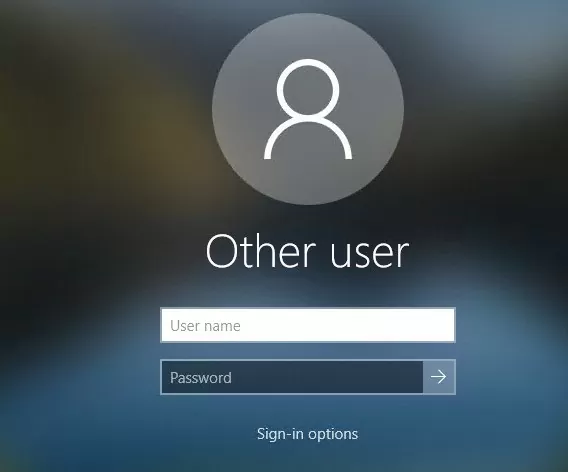
The following provides information on how to log on to your computer.
NOTE: As your computer has now been migrated into the Healthia network, there are certain changes to the way a user logs on to the computer.
To Login to a computer you must use your own login information. If you use another team members you will not be able to access your files.
Steps:
- At the login screen Click Other User
- Type in your Healthia username which is followed by @healthia.com.au
- Type in your Healthia password
- Press Enter
This will sign you into your computer.
*The first time you log in to a computer you may be asked to set a pin. This is unique to the computer itself and allows for quick access as your computer will automatically lock after a period of time.